
Prilagodi prikaz proizvoda za upoređivanje
Opis i karakteristike
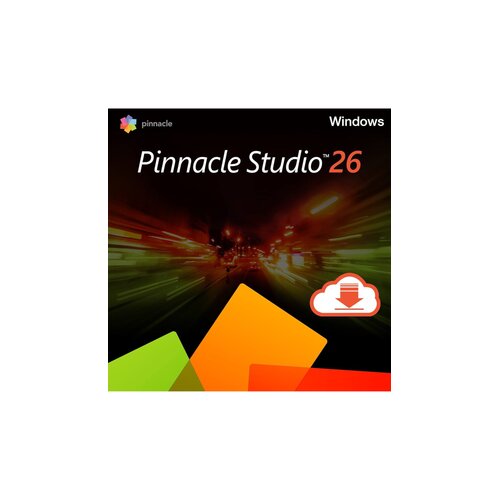
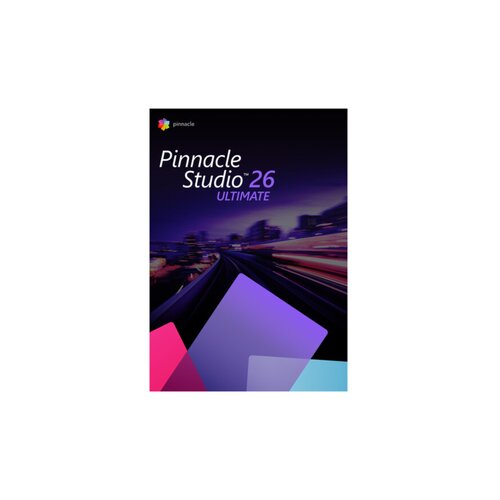
Create polished videos with Pinnacle Studio. Use it to edit clips, add effects, build smooth transitions, improve audio, create titles, record your screen, and turn raw footage into finished videos. Whether you are making YouTube content, family videos, travel edits, tutorials, social media clips, or more detailed creative projects, Pinnacle Studio gives you the tools to shape your footage the way you want. Pinnacle Studio is made for video creators who want more control over the editing process. You can cut and arrange clips, work with multiple tracks, adjust colour, add motion effects, use masks, create pictureinpicture layouts, and export your finished video for sharing. It is a strong choice when you want editing software that feels approachable but still gives you room to build more advanced projects as your skills grow. What can I do with Pinnacle Studio? Use Pinnacle Studio for: Video editing. Cut, trim, split, arrange, and combine clips to create clean videos for personal, creative, business, or online use. Timeline editing. Build your project with multiple tracks, layer footage, add images, place audio, and organise your edit with more precision. Transitions and effects. Add smooth transitions, creative filters, motion effects, overlays, and visual styles that make your video feel more polished. Titles and text. Create intros, captions, lower thirds, credits, labels, and animated text for tutorials, presentations, social videos, and storytelling. Colour correction. Adjust brightness, contrast, saturation, tone, and colour balance to make your footage look cleaner and more consistent. Screen recording. Record your screen for tutorials, walkthroughs, online lessons, software demos, gameplay clips, and training videos. Audio editing. Improve sound, add music, adjust volume, mix voiceovers, balance tracks, and make your video easier to watch and hear. Motion tracking. Track moving objects and attach text, graphics, effects, or blur to parts of your video for a more dynamic edit. Video masking. Create more creative edits with masks, selective effects, layered visuals, and focused adjustments in specific parts of your footage. Chroma key. Use green screen tools to replace backgrounds, create studiostyle videos, or add yourself into different scenes. Multicamera editing. Combine footage from different camera angles and switch between views for events, interviews, performances, and YouTube videos. Video exports. Export your finished videos in formats suited for sharing, uploading, archiving, or playing on different devices. Bring your video ideas to life with Pinnacle Studio Pinnacle Studio helps you move from scattered clips to finished videos that feel clear, creative, and ready to share. You can start with simple edits like trimming, transitions, and music, then use more advanced tools when you want to add motion tracking, masking, multicamera edits, or stronger visual effects. That makes it useful for beginners who want to learn and for creators who want more control without making the workflow feel too heavy. Choose Pinnacle Studio when you want video editing software that supports everyday projects and more ambitious creative work. Use it to tell stories, build tutorials, create content, preserve memories, or polish videos for your audience. From your first cut to your final export, Pinnacle Studio gives you the tools to make your footage look more professional and more personal.
Slični proizvodi - Grafički i multimedijski programi
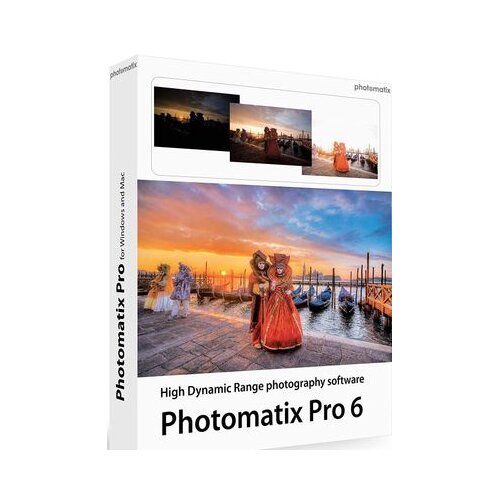
Photomatix Pro hdr 6.3 key global
Najbolje ponude
Ashampoo music studio 2025 key global
Najbolje ponude

Magix video pro X16 official website key global
Najbolje ponude

Steam Manga Maker Comipo (PC) Key GLOBAL
Najbolje ponude

Magix vegas pro 22 official website key global
Najbolje ponude

Corel paintshop pro x6 key global
Najbolje ponude
Promena cene
Trenutno najbolja ponuda:
4.052,22 din u Eneba
Recenzije korisnika
Popularni proizvodi - Grafički i multimedijski programi
Najnoviji proizvodi